If your screen glows brightly while your keyboard disappears into shadows, you are not just straining your eyes. You are setting yourself up for headaches, fatigue, and poor focus. This common workspace flaw is exactly why monitor light bars have become so popular. These slim LED strips clip onto the top of your monitor and deliver targeted, glare-free illumination to your desk without shining on the screen itself.
Millions of people now choose monitor light bars over traditional desk lamps. The switch is driven by measurable benefits in comfort, productivity, and workspace design. Whether you are working late, editing photos, or gaming into the night, a light bar adjusts to your needs with flicker-free brightness and color temperature control. In this guide, you will learn exactly why people use monitor light bars, including the science-backed advantages, real-world use cases, and smart features that make them essential for modern digital life.
Reduce Eye Strain and Prevent Digital Fatigue

How Light Bars Balance Screen and Room Brightness
Prolonged screen use in dim lighting forces your eyes to constantly adjust between a bright display and a dark room. This is a leading cause of digital eye strain, also known as asthenopia. Monitor light bars solve this problem by creating bias lighting, which reduces the contrast between your screen and your surroundings. Balanced luminance prevents your pupils from rapidly dilating and contracting, which significantly lowers visual fatigue over long sessions.
Unlike overhead lights or desk lamps that reflect off glossy screens, high-quality light bars use asymmetrical optical designs. These designs direct light downward at a precise angle of around 45 degrees, illuminating only the desk surface. For example, the BenQ ScreenBar Pro delivers up to 1000 Lux on the keyboard while dropping to just 300 Lux at the screen edges, effectively eliminating glare.
Flicker-Free Technology and Blue Light Protection
Cheap lighting often flickers at frequencies imperceptible to the naked eye but detectable by the brain. This subtle flickering causes constant stress on the visual system. Premium monitor light bars use flicker-free LED technology that ensures stable light output. This stability prevents headaches and migraines during extended use.
Many models are also engineered to minimize harmful blue light emissions. They comply with international safety standards such as IEC/EN 62471 and IEC/TR 62778. This compliance reduces the risk of retinal damage and supports long-term eye health, especially during evening hours when blue light can disrupt sleep cycles.
Meet Recommended Lighting Standards for Comfort
Experts recommend a minimum of 500 Lux of uniform illumination on the work surface to prevent eye strain. Too little light causes squinting and focus issues, while too much creates its own form of strain. Light bars excel in this area because they offer adjustable brightness and even light distribution. Users can fine-tune the output to match ambient conditions perfectly.
Auto-dimming sensors in advanced models detect room brightness and maintain a consistent 500 to 700 Lux level automatically. This feature is ideal for spaces with changing natural light throughout the day.
Free Up Desk Space and Reduce Clutter
Eliminate the Desk Footprint
One of the most immediate benefits of a monitor light bar is its zero desk footprint. Traditional desk lamps occupy precious surface area needed for keyboards, notebooks, or creative tools. By clipping directly onto the monitor bezel, light bars eliminate the need for a base or stand entirely.
This space-saving design is especially valuable for users with small desks, compact home offices, or minimalist setups where clean lines and open space matter. Professionals who spread out documents, sketches, or reference materials also benefit from a completely unobstructed work surface.
Streamline Cables and Power Use
Most monitor light bars run on USB power, drawing energy from the monitor’s USB hub or a computer port. This setup eliminates the need for a separate wall outlet and bulky power adapters, reducing cable clutter significantly.
Compared to incandescent or halogen desk lamps, LED-based light bars are highly energy-efficient. They consume as little as 5 to 10 watts while delivering superior brightness. The integration creates a sleek, tidy setup that fits perfectly with modern, organized workspaces.
Enhance Focus with Adjustable Lighting Settings

Match Color Temperature to Your Task
The ability to adjust color temperature, measured in Kelvin, lets users tailor lighting to their activity and time of day. Cool white light between 5000K and 6500K mimics daylight and boosts alertness. This setting is ideal for coding, writing, or analytical work during daytime hours.
Warm white light between 2700K and 4000K produces a soothing, relaxing hue. This range helps you wind down in the evening without disrupting melatonin production. Switching between these settings allows users to align their lighting with circadian rhythms, improving both productivity and sleep quality.
Auto-Dimming for Consistent Visual Comfort
Top-tier models feature built-in ambient light sensors that automatically adjust brightness based on the room’s lighting conditions. If daylight fades or overhead lights turn off, the light bar increases output to maintain optimal desk illumination.
This dynamic response ensures consistent visual comfort without manual tweaking. It also prevents sudden changes in brightness that could trigger eye fatigue during long work sessions.
Improve Aesthetics and Create an Immersive Setup
Add Ambient Glow with Bias Lighting
Beyond task lighting, many users install light bars for aesthetic enhancement. Models like the BenQ ScreenBar Halo include rear-facing LEDs that illuminate the wall behind the monitor, creating a soft halo effect.
This bias lighting does more than look good. It further reduces eye strain by minimizing the contrast between the bright screen and dark background. It also gives the monitor a floating effect, adding depth and sophistication to any desk setup.
Sync Lights with On-Screen Action
Gamers and media enthusiasts use smart RGB light bars to extend the visual field beyond the screen. These models sync colors and intensity with gameplay or video content, enhancing immersion in real time.
For example, a red glow might pulse during combat scenes, while blue hues reflect underwater levels in games. Color shifts can also match movie lighting transitions, making entertainment more engaging and cinematic.
Customize RGB for Personal Style
Programmable RGB lighting lets users match their rig’s theme, whether it is a cool blue cyberpunk look or vibrant rainbow wave effects. This customization appeals to the growing culture of aesthetic PC builds where every component contributes to a cohesive visual identity.
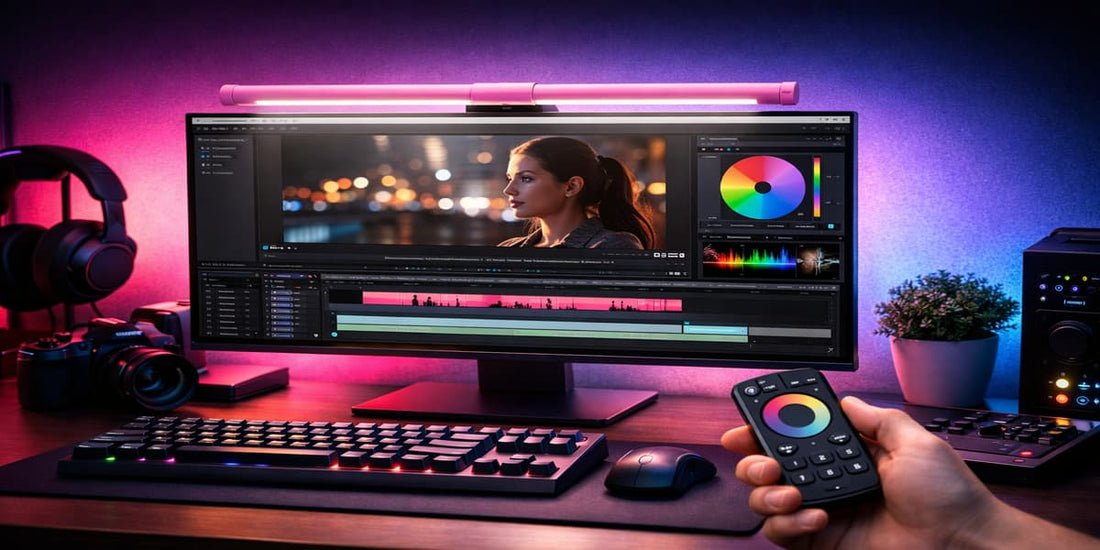
Apps and remotes allow easy control over patterns, speed, and color. The light bar becomes a dynamic design element rather than just a functional accessory.
Use Smart Features for Productivity and Alerts
Turn Light Into a Visual Notification System
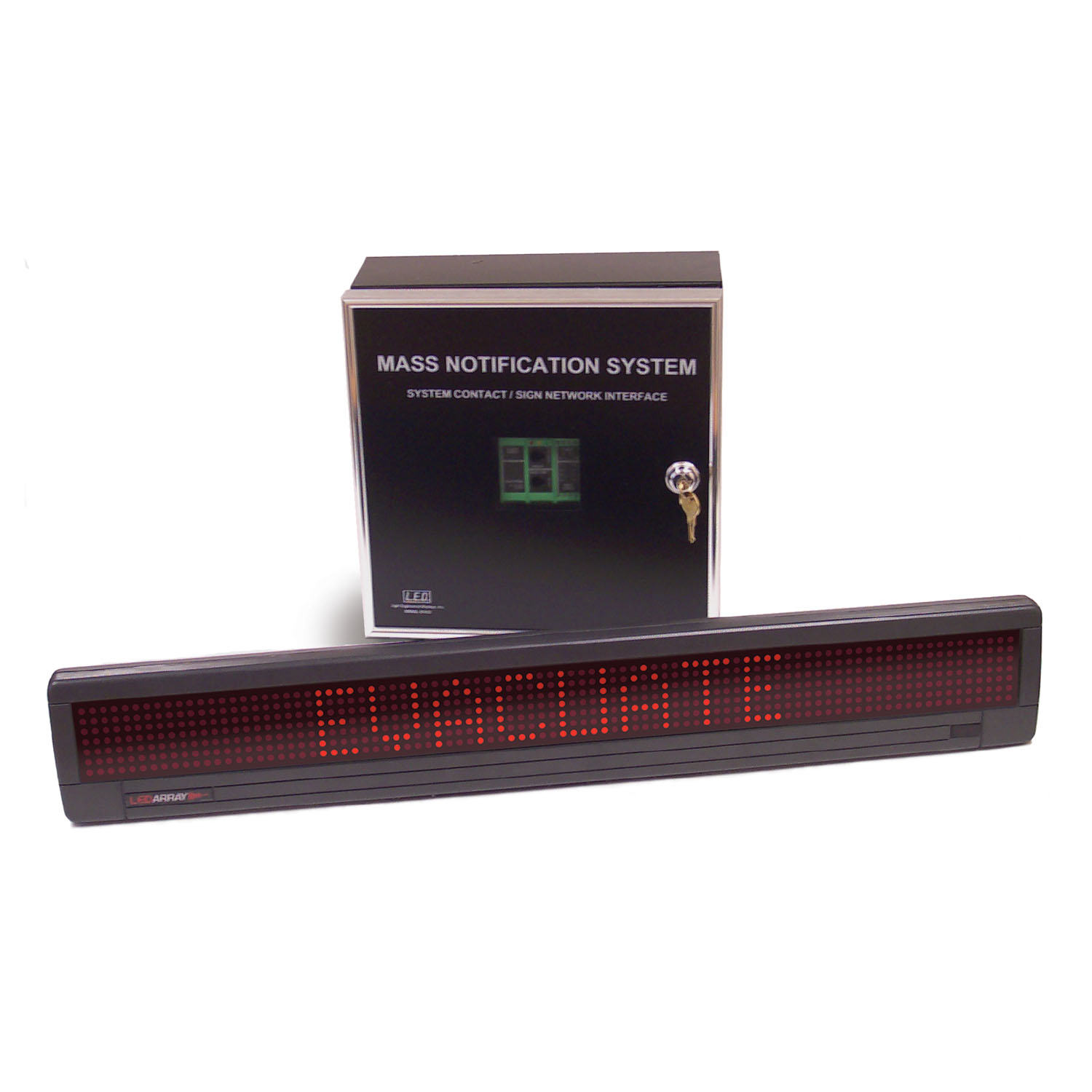
Advanced light bars can be programmed to act as visual alerts for digital notifications. A flash of red can signal low battery, while a blue pulse indicates new emails or messages. A green glow can signal active calls or screen sharing sessions.
This peripheral feedback keeps users informed without requiring constant screen checking. It reduces distractions and improves workflow continuity throughout the workday.
Control Lighting via App or Remote
Mid-to-high-end models offer wireless remote controls or mobile apps for adjusting brightness, color temperature, and lighting modes. Some even integrate with smart home systems or voice assistants for hands-free control.
This level of convenience makes it easy to switch settings on the fly. You can transition from focused work to relaxed browsing or gaming without interrupting your flow.
Match the Right Light Bar to Your User Profile
Office Workers Stay Comfortable Longer
Remote workers and office professionals spend 6 to 10 hours daily in front of screens. A monitor light bar helps them reduce dry eyes and headaches caused by poor lighting. It maintains focus during long meetings or writing sessions and improves appearance on video calls with even facial lighting.
The combination of glare-free illumination and ergonomic design supports sustained productivity without discomfort.
Designers Achieve True Color Accuracy
Graphic designers, photographers, and artists rely on accurate color representation both on screen and in physical media. Monitor light bars with high CRI (Color Rendering Index above 90) ensure true-to-life color perception when working with prints, paints, or fabrics.
Uniform lighting eliminates shadows on sketchpads or reference materials. This makes it easier to see details and maintain consistency across different mediums.
Gamers Gain Immersion and Visual Edge
For gamers, light bars serve both functional and atmospheric purposes. RGB syncing enhances immersion during gameplay, while flicker-free lighting prevents visual lag and eye fatigue during fast-paced action. Custom profiles let players switch between focus mode with cool white light and relax mode with warm tones.
The result is a more engaging, comfortable, and visually rich gaming environment.
Students Study Smarter at Night
Students often study late into the night, juggling screens and printed materials. A monitor light bar provides glare-free reading light for books and notes. Adjustable warmth helps avoid disrupting sleep, and the space-saving design fits crowded dorm desks perfectly.
The ability to illuminate physical text without disturbing roommates makes it ideal for shared living spaces.
Choose the Right Model Based on Price and Features

Compare Price Tiers Before Buying
Monitor light bars come in three main categories based on price and features:
| Tier | Price Range | Key Features |
|---|---|---|
| Budget | $30 to $60 | Manual controls, fixed color temperature, around 500 to 700 Lux |
| Mid-Range | $60 to $120 | Auto-dimming, remote control, better CRI, app support |
| Premium | $120 and up | Touch controls, bias lighting, app integration, 1000+ Lux |
Entry-level models like the Xiaomi Mi Computer Light Bar offer solid performance for basic needs. Premium options like the BenQ ScreenBar Pro and Halo set the standard for build quality and optical precision.
Check Compatibility with Your Monitor
Not all light bars fit every monitor. Key specifications to verify include bezel thickness, which most models support from 4.3mm to 65mm. Monitor size typically ranges from 21 inches to 32 inches or larger. For curved screens, look for models rated for your specific curvature, such as 1000R to 1800R.
Power requirements also matter. Ensure your USB port provides at least 5V/1A, with 5V/1.3A recommended for advanced models with backlighting. Always consult manufacturer guidelines to avoid fit or power issues.
Install Your Light Bar Correctly
Follow Proper Mounting Steps
- Clip the bar securely to the top center of your monitor.
- Angle it slightly forward to cover the desk without hitting the screen.
- Plug the USB cable into a powered port on your monitor or PC.
- Test stability, especially if you have a curved monitor.
Avoid overtightening the clips. Most units use a gravity-balance system that grips gently without damaging the bezel.
Avoid Common Setup Mistakes
Starting brightness too high is a frequent error. Begin at 50 to 70 percent brightness and adjust down if your eyes feel strained. Using the wrong color temperature for the time of day can also cause issues. Use cool light for work and warm light for evenings.
Poor placement leads to light reflecting off walls back onto the screen. Insufficient power from a low-amperage USB port can cause flickering. Use a high-amperage port to ensure stable operation.
Troubleshoot Key Issues Quickly
If light causes eye pain, lower brightness immediately and recheck the angle. Make sure no direct light hits the screen and confirm the unit uses a true asymmetrical design rather than a generic LED strip.
If the unit flickers or turns off, the cause is likely insufficient power. Try a different USB port or use a powered USB hub or wall adapter. Avoid daisy-chaining through multiple devices.
If the bar slips on a curved monitor, center the clip on the flattest part of the curve. Verify compatibility with your monitor’s curvature rating, and consider models with wider contact pads or magnetic mounts.
Frequently Asked Questions About Monitor Light Bars
Do Monitor Light Bars Actually Reduce Eye Strain?
Yes, monitor light bars reduce eye strain by balancing the contrast between your bright screen and dark surroundings. This bias lighting effect prevents your pupils from constantly adjusting, which is a primary cause of digital eye fatigue during long screen sessions.
Are Monitor Light Bars Better Than Regular Desk Lamps?
Monitor light bars are generally better than regular desk lamps for screen-based work. They use asymmetrical optical designs that prevent screen glare, occupy zero desk space, and run on USB power for a cleaner setup. Traditional desk lamps often reflect off screens and take up valuable workspace.
Can I Use a Monitor Light Bar on a Curved Monitor?
Yes, many light bars work with curved monitors, but you must check compatibility. Look for models that support your specific curvature radius, typically between 1000R and 1800R. Center the clip on the flattest part of the curve for the most stable fit.
What Color Temperature Is Best for Working?
Cool white light between 5000K and 6500K is best for focused daytime work because it mimics natural daylight and boosts alertness. Warm light between 2700K and 4000K is better for evening use because it promotes relaxation and does not disrupt sleep cycles.
How Many Lux Do I Need on My Desk?
Experts recommend at least 500 Lux of uniform illumination on your work surface to prevent eye strain. Premium light bars can deliver up to 1000 Lux on the keyboard while keeping screen edges at much lower levels to avoid glare.
Do Monitor Light Bars Use a Lot of Electricity?
No, monitor light bars are highly energy-efficient. Most LED-based models consume only 5 to 10 watts of power while delivering superior brightness compared to traditional incandescent or halogen desk lamps.
Key Takeaways for Choosing a Monitor Light Bar
Monitor light bars solve a real ergonomic problem by balancing screen brightness with room lighting to reduce eye strain. They free up desk space, eliminate cable clutter, and offer adjustable color temperatures that support your circadian rhythm throughout the day.
Beyond health benefits, modern light bars add aesthetic value through RGB customization, bias lighting, and smart notifications. Whether you are an office worker, designer, gamer, or student, there is a model designed for your specific needs and budget.
Your next step is simple: measure your monitor’s bezel thickness and check its curvature rating. Then choose a light bar that matches your primary use case, whether that is eye comfort, color accuracy, or gaming immersion. Your eyes will thank you within the first few hours of use.