Your neck aches from looking down, and your desk feels cluttered with bulky monitor stands. Building your own custom solution gives you perfect height, reach, and angle control for your specific body and workspace.
This guide shows you exactly how to make a monitor arm using wood or metal pipe to fix your posture and save space. You will learn to calculate ergonomic positions, select strong materials, and assemble a stable mount that supports your screen safely.
Calculate Your Ergonomic Position Before Building

You must determine the ideal screen location for your body before cutting any material. A poorly placed monitor defeats the purpose of an adjustable arm and causes more strain.
Set Correct Screen Height for Neutral Neck
Position the top edge of your monitor at eye level when you sit or stand. This keeps your neck straight and prevents painful tilting up or down. Most users need the screen center 15 to 20 inches above the desk surface.
Determine Optimal Viewing Distance
Sit 20 to 30 inches away from the screen surface to reduce eye strain. Smaller 20-inch screens work best at 20 inches while larger 30-inch displays need the full 30-inch gap. Measure this distance from your eyes to mark your arm design.
Match Keyboard-to-Screen Spacing
Maintain a 21-inch gap between your keyboard and the monitor base for smooth workflow. Extending your arm too far forward disrupts this coordination and hurts productivity. Plan your pivot points to keep this critical spacing consistent.
Choose Your Arm Material Wisely
Select a build material based on the weight of your screen and the tools you own. Each option offers different strengths for load capacity and visual style.
Build with Wood for Stability
Use hardwood like maple or oak to create a solid and attractive arm structure. A thick board can support most 27-inch monitors while looking great in a home studio. Avoid softwoods like pine because they flex too much under heavy loads.
Pro Tip: Sand and finish exposed wood surfaces for a professional studio-grade appearance.
Use Metal Pipe for Industrial Strength
Steel or aluminum conduit provides high durability and modular flexibility for complex setups. Threaded pipe sections connect via elbows to allow multi-angle articulation for dual monitors. Look for Schedule 40 steel pipe since thicker walls resist bending better.
Try PVC for Lightweight Prototypes
Schedule 80 PVC is affordable and easy to assemble for temporary or low-weight setups. This material works for laptops or small 22-inch screens but is not for long-term heavy use. Avoid standard Schedule 40 PVC because it lacks the rigidity needed for safe support.
Design the Arm Structure
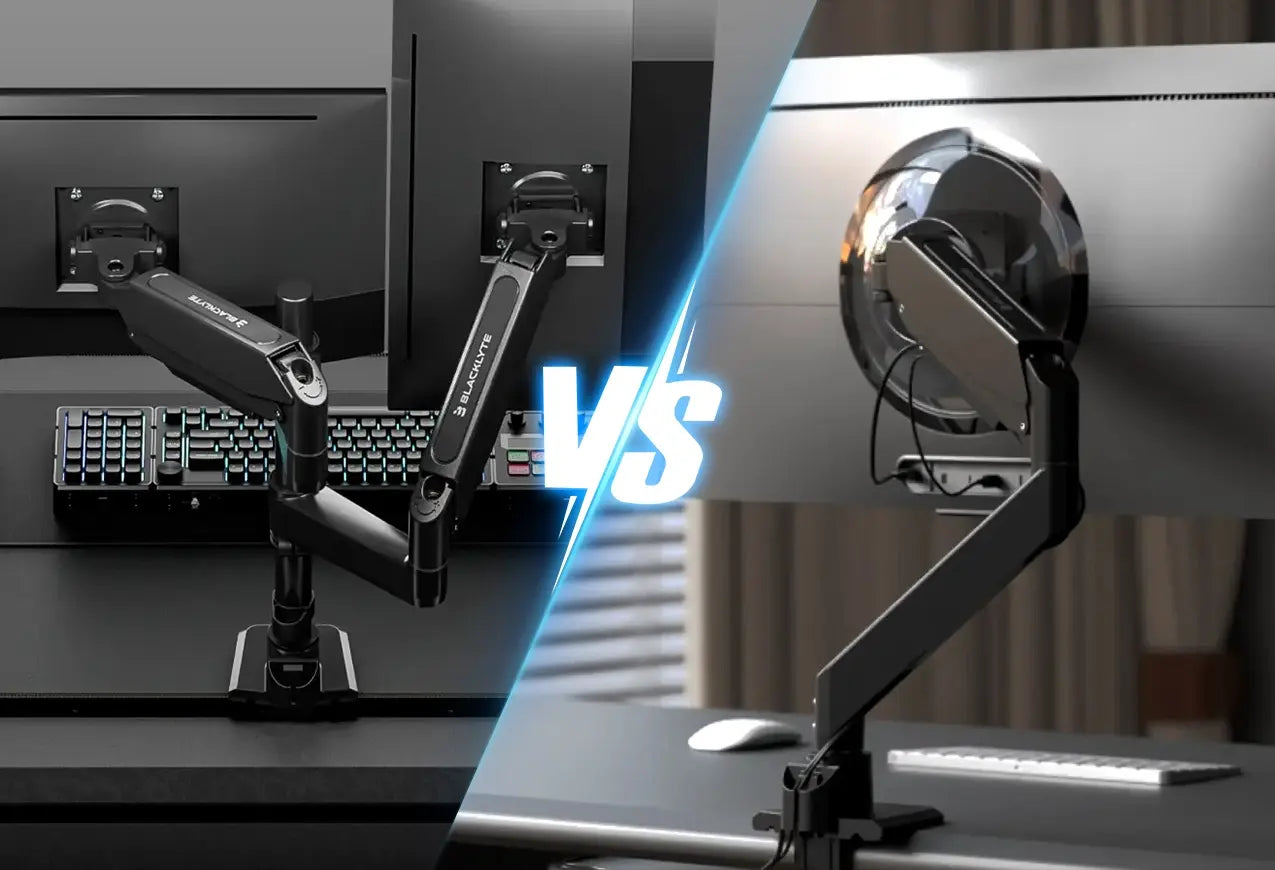
Your arm must balance reach and strength to prevent sagging or tipping over. A poorly balanced design fails quickly under the weight of a modern display.
Plan Single vs. Multi-Monitor Layouts
A single-arm design with one pivot point works well for one monitor with a 12 to 18-inch reach. Dual or triple setups require a wider base with dual vertical supports and a crossbar to prevent tipping. Increase your base width by 50 percent for multi-screen configurations.
Decide on Mounting Type
Clamp-On Base: Attaches to the desk edge using heavy-duty G-clamps for renters.
Wall-Mounted: Secures directly into wall studs using 3-inch lag bolts for heavy loads.
Desk-Standing: Sits flat on the desk with a weighted base for tool-free installation.
Integrate Articulation Joints
Use swivel joints or hinge brackets to allow tilt and rotation in your design. Install heavy-duty piano hinges for wood arms or threaded swivel elbows for pipe systems. Add friction washers between joints to prevent unwanted drift during use.
Cut and Prepare Components
Precision cutting ensures your final assembly is stable and aligned correctly. Measure twice and cut once to avoid wasting expensive materials.
Mark and Cut Wood Accurately
Use a miter saw to make clean 90-degree cuts for your vertical post and horizontal arm. Drill pilot holes for bolts to prevent screws from splitting the wood fibers. Typical vertical posts range from 18 to 24 inches tall depending on your needs.
Cut Pipe to Exact Lengths
Use a pipe cutter to create smooth and burr-free ends on your metal sections. File the inside edges to remove sharp burrs that could cause injury during assembly. Standard vertical sections are 20 inches while horizontal arms are often 16 inches long.
Visual Cue: File all sharp edges immediately after cutting to ensure safety during handling.
Assemble the Arm Frame
Join your components securely because weak joints lead to catastrophic failure. Strong connections are the difference between a functional tool and a broken mess.
Bolt Wooden Arms Together
Use 3-inch lag bolts with washers at the elbow joint for maximum strength. Reinforce the inside corner with a triangular gusset to prevent leverage-induced splitting. This simple step adds significant durability to your wooden structure.
Thread Pipe Sections
Screw fittings hand-tight then use pipe wrenches for a quarter turn more. Over-tightening can crack fittings so stop once the connection feels secure. Wrap threads with Teflon tape to prevent loosening over time due to vibration.
Add Cable Management
Route power and data cables through the arm to maintain a clean look. Drill half-inch holes through wooden arms or use internal conduit channels on pipe arms. Leave slack in cables to allow full range of motion without tension.
Install the Mounting Base
The base is the foundation and its strength determines the overall safety of your build. A weak base compromises the entire structure regardless of arm quality.
Secure Clamp-On Mounts
Attach a quarter-inch thick steel plate to the bottom of your vertical post. Bolt this plate to a heavy-duty G-clamp and tighten it fully onto the desk edge. Test stability by gently pushing the arm side-to-side before attaching your screen.
Warning: Do not use plastic-jaw clamps because they can slip under heavy loads.
Anchor Wall Mounts to Studs
Locate two wall studs using a stud finder to ensure a secure hold. Pre-drill holes and use 3-inch lag bolts to secure your mounting plate or pipe flange. Ensure the arm is perfectly level using a bubble level before tightening fully.
Visual Cue: Install a horizontal backing board between studs if they are too far apart.
Attach the VESA Mount

This is the final link between your custom arm and your expensive monitor. Proper attachment ensures your screen stays secure during adjustments.
Match VESA Pattern to Your Monitor
Check your monitor specs for VESA compatibility such as 75x75mm or 100x100mm patterns. Buy a universal VESA plate with multiple screw hole patterns to fit various screens. Attach it to the end of your horizontal arm using standard quarter-inch bolts.
Mount the Monitor Safely
Attach the VESA plate to the monitor first with help if the screen is heavy. Then secure the plate to the arm and double-check all bolts before releasing support. Use thread-locking compound on bolts to prevent vibration loosening over time.
Test and Calibrate the Arm
Final adjustments ensure long-term comfort and proper function for your new setup. Skipping this step may result in discomfort or instability.
Balance the Arm
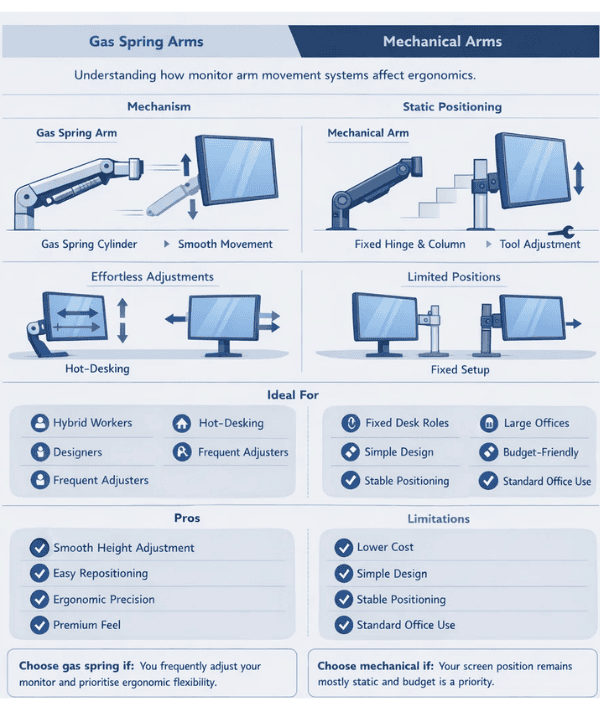
Add counterweights if the monitor causes the arm to droop or tilt forward. You can attach a steel block under the desk or hang a small weight on the opposite pivot side. Alternatively install a gas spring for smooth motion and reliable hold.
Adjust for Sitting and Standing
Test the arm at both sitting and standing heights if you use a sit-stand desk. The top of the screen must remain at eye level in both positions for best results. Extend the vertical post if your current design does not reach high enough.
Verify Stability
Push the monitor gently from multiple angles to check for wobbling or shifting. No movement should occur at the base or joints during this test. Re-tighten any loose joints or mounts immediately if you detect instability.
Prevent Common Build Mistakes
Avoid these specific pitfalls to ensure safety and longevity for your DIY project. Learning from others prevents costly errors in your own build.
Don’t Overextend the Arm
A horizontal reach longer than 20 inches increases leverage and risks arm collapse. Keep the ratio of vertical to horizontal length at one-to-one or less for safety. Exceeding this limit puts excessive stress on your mounting point.
Avoid Weak Joints
Never rely on glue alone for wood or PVC constructions in this application. Always use mechanical fasteners like bolts screws or threaded fittings for strength. Glue fails under the constant load and movement of a monitor arm.
Skip Flimsy Mounts
Avoid hollow-wall anchors for wall mounts because they fail under monitor weight. Only anchor into studs or solid backing to ensure your screen does not fall. Safety is paramount when supporting heavy electronics above your desk.
Optimize for Dual or Triple Monitors
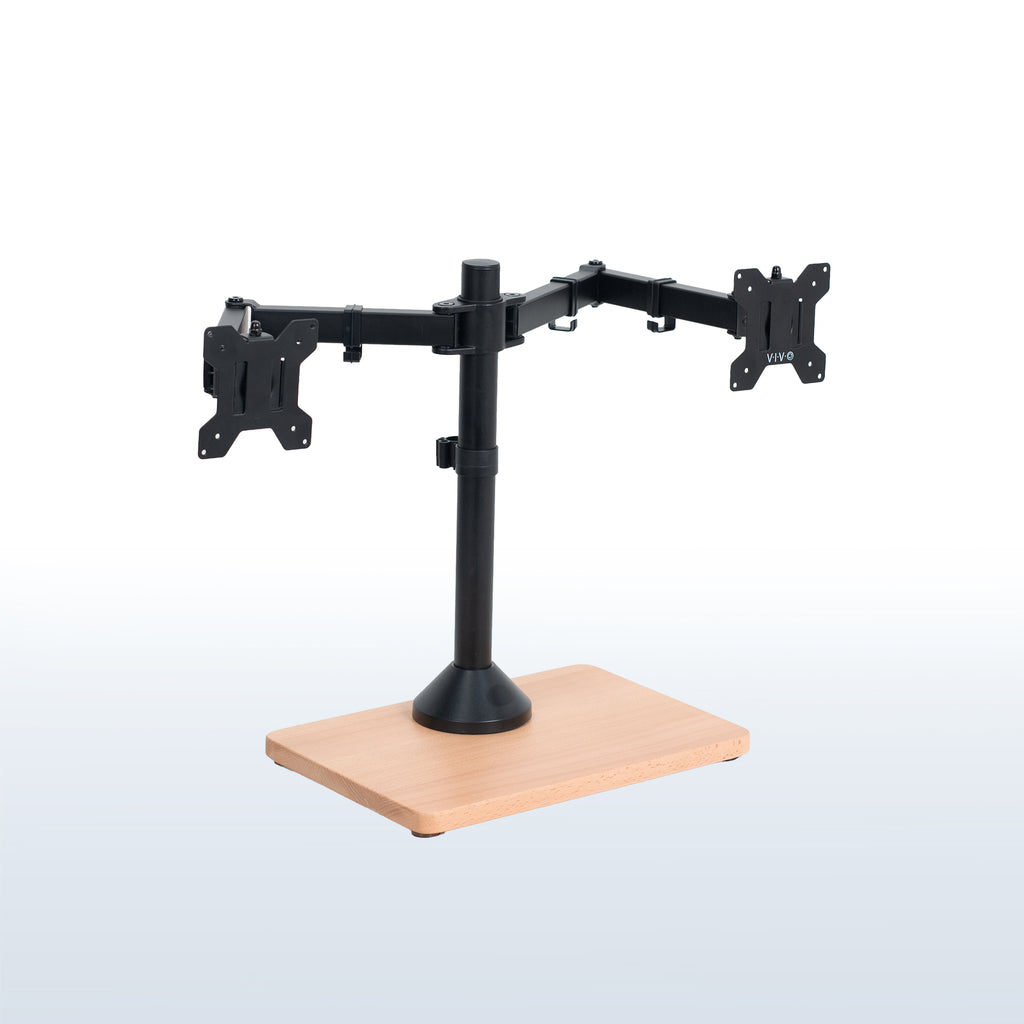
Multi-monitor builds need extra reinforcement to handle the increased weight and leverage. Standard single-monitor designs often fail with multiple screens.
Use a Crossbar for Stability
Connect two vertical posts with a steel or wooden crossbar at the base. This prevents twisting and increases the footprint of your entire structure. A wider base distributes the load more effectively across your desk or wall.
Distribute Weight Evenly
Center the middle monitor over the base to maintain balance in your setup. Mount side monitors slightly inward to balance leverage and prevent tipping. Even distribution is key to a stable multi-screen experience.
Upgrade to Heavy-Duty Hardware
Use three-quarter inch steel pipe or two-by-six lumber for multi-monitor arms. Double the number of mounting bolts and use thicker VESA plates for added security. Heavy-duty hardware ensures your investment lasts for years.
Maintain and Upgrade Your Arm
Keep your DIY arm functional and safe for years with regular maintenance. Small checks prevent major failures down the road.
Check Bolts Monthly
Vibrations from typing or movement can loosen connections over time. Inspect and re-tighten all fasteners every four to six weeks to maintain stability. This simple habit prevents accidents and extends the life of your build.
Clean Moving Joints
Wipe down swivel points and apply light machine oil annually to prevent stiffness. Clean joints ensure smooth adjustments and reduce wear on moving parts. Regular maintenance keeps your arm functioning like new.
Plan for Future Upgrades
Design with modularity in mind so you can extend the arm later. Use standardized pipe threads or bolt patterns to switch mounts or add screens easily. Future-proofing your design saves time and money on future projects.
Frequently Asked Questions About Monitor Arms
How much weight can a DIY monitor arm hold?
A well-built wooden arm supports up to 20 pounds while steel pipe designs hold significantly more. The exact capacity depends on material thickness joint quality and mounting method used. Always check your specific monitor weight against your design limits.
What is the best material for a beginner builder?
Wood is often best for beginners because it requires fewer specialized tools than metal pipe. You can cut and drill wood with basic saws and drills found in most homes. PVC is also easy but lacks the strength for larger monitors.
How do I hide cables on a custom monitor arm?
Drill holes through wooden arms or run cables inside hollow metal pipes during assembly. Use zip-tie channels on the outside of pipe arms for easy access and cleanup. Leaving slack allows full motion without pulling connections loose.
Can I make a monitor arm for a standing desk?
Yes you can design your vertical post to accommodate both sitting and standing heights. Ensure the arm extends high enough so the screen top stays at eye level when standing. You may need a longer vertical post than a sitting-only design.
Is it safe to mount a monitor arm on drywall?
No you must anchor wall-mounted arms directly into wall studs for safety. Drywall alone cannot support the weight and leverage of a monitor arm. Use a stud finder to locate solid backing before drilling holes.
Key Takeaways for Building Your Monitor Arm
Building your own monitor arm solves ergonomic issues and clears desk space effectively. You now know how to calculate proper viewing distances select strong materials and assemble a stable structure safely.
Start by measuring your workspace and choosing between wood or metal pipe based on your tools. Follow the ergonomic guidelines to position your screen at eye level and 20 to 30 inches away. Your custom build will improve posture and productivity for years to come.